Trusted by top teams








Wireframing built for product builders.
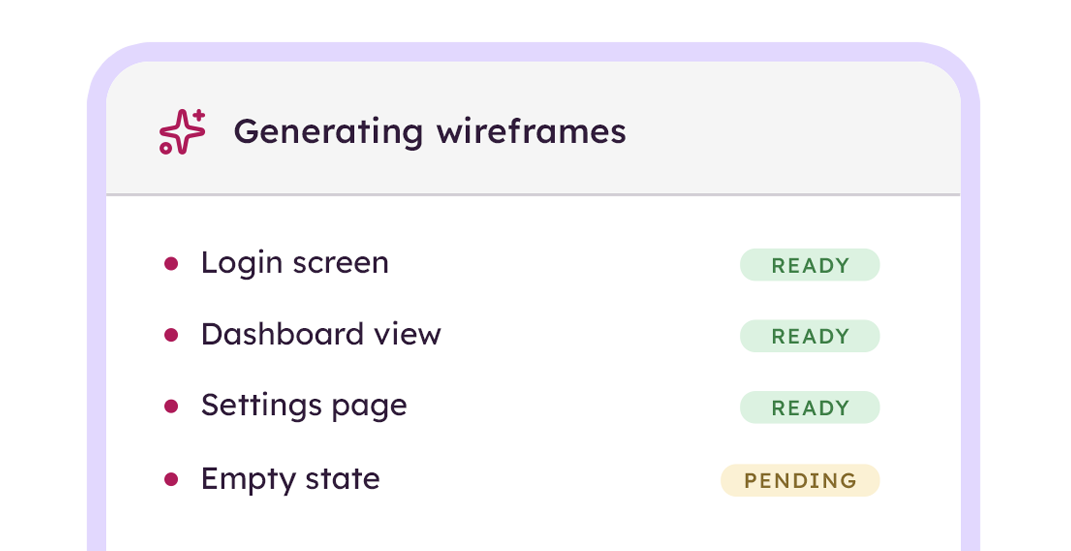
From idea to editable wireframe in seconds
Describe a screen, drop in a screenshot, or import a hand-drawn sketch. Balsamiq AI drafts the wireframe for you, ready to edit. What used to take 20 minutes of dragging components takes about 30 seconds in Balsamiq.
Edit by prompt or by hand
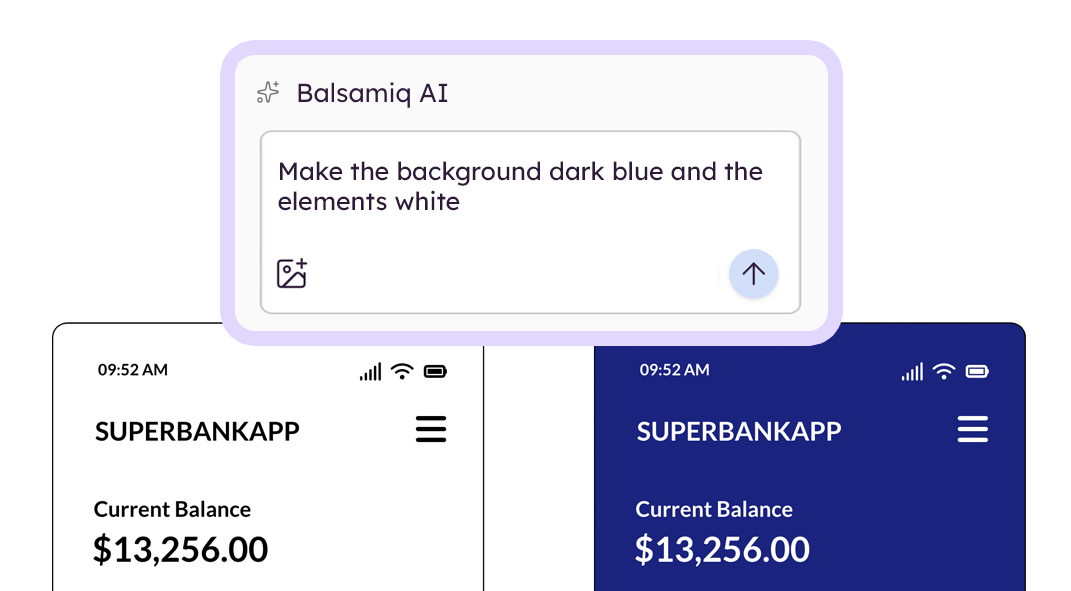
Select your wireframe screens and tell Balsamiq AI what to change, or tweak it manually. Stay in the flow instead of fighting components, layers, or a coding agent that lost the plot three prompts ago.
Get aligned without another meeting
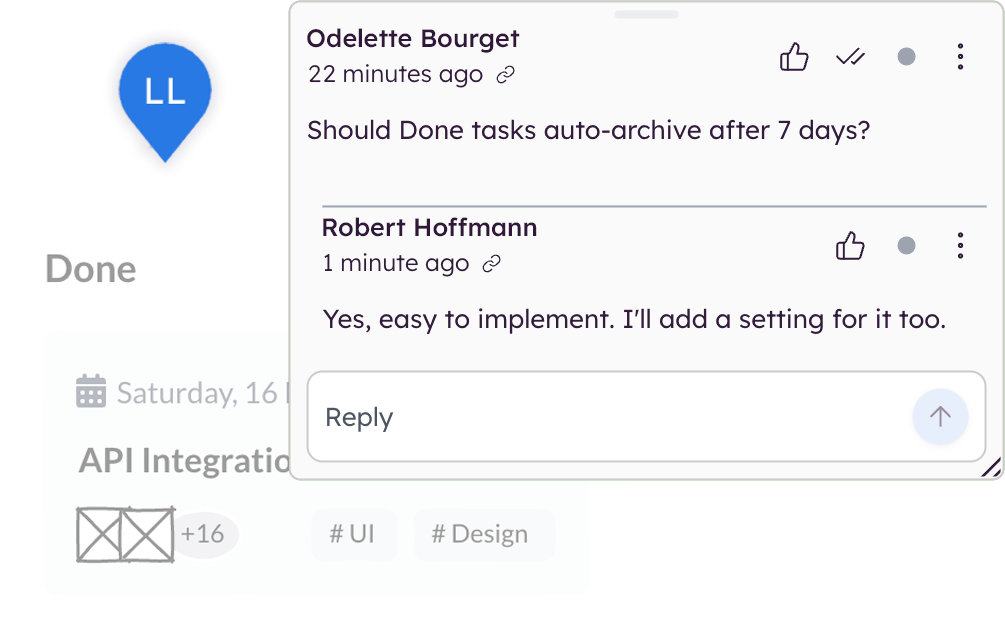
Share a link and let your team comment, react, and resolve feedback directly on the wireframe. No more screenshot threads, calendar tag, or "wait, which version is this?" Decisions get captured where the work is.
Hands off to whoever (or whatever) builds
Drop the wireframe into Notion, Jira, or Linear. Or pipe it straight to Claude, ChatGPT, and Cursor through our MCP server. Once the wireframe is right, generate an interactive prototype from the same board with one click.
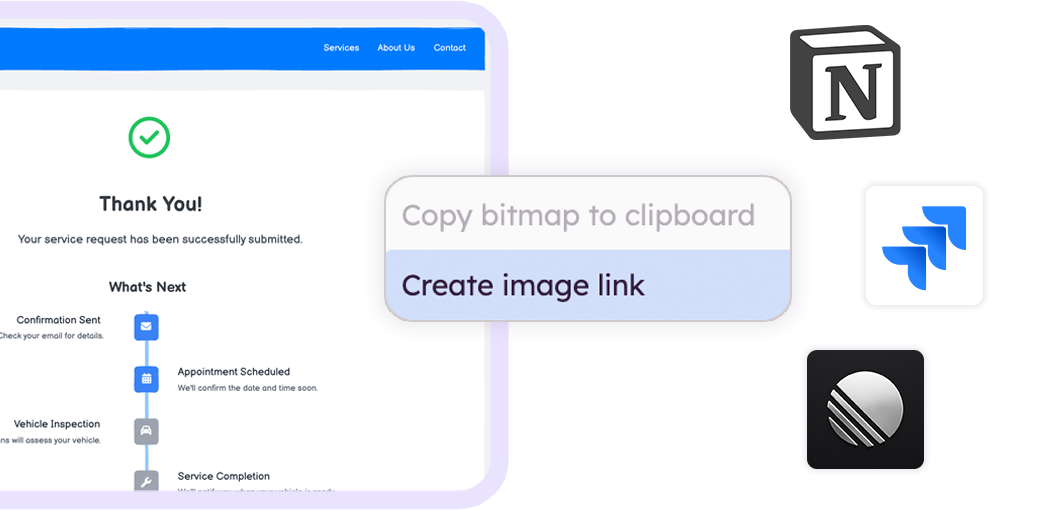
From "rough idea" to "now we're aligned."
This is the workflow we built wireframing around. Start rough on purpose, get the team on the same page, then hand off something engineering can actually build from.
Draft the screen.
Describe it to Balsamiq AI, drop in a screenshot, or pull from the component library. You're looking at an editable wireframe before the meeting ends.

Iterate at speed.
Drag components into place, or select an area and prompt Balsamiq AI to add a nav, swap a layout, or generate variations. Keep moving as fast as the conversation does.
Hand off cleanly.
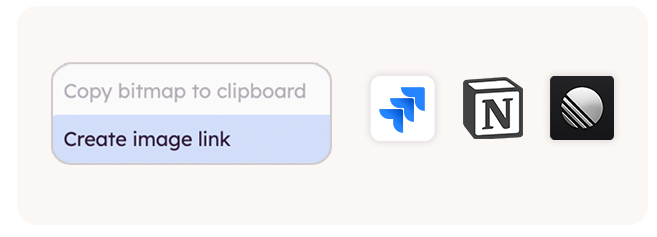
Send a link, embed in Jira, or generate an interactive prototype from the same board. Stakeholders comment directly, decisions get captured, and the team moves on.
The smartest teams wireframe first.
Anyone can wireframe in minutes. PMs, engineers, founders, even the "big picture" execs. With Balsamiq AI, even describing the idea out loud counts as a starting point.
Misalignment surfaces in a wireframe review, not after a sprint. Teams report cutting revisions roughly in half once wireframing becomes the default first step.
Stakeholders get it at a glance. Faster sign-off means less waiting and more shipping.
Your wireframe becomes the prompt.
Balsamiq's MCP server connects your boards to Claude, ChatGPT, Cursor, and any AI tool that speaks MCP. Setup takes about 60 seconds.
Stop re-explaining your design to a chatbot.
Read, edit, and build on your Balsamiq projects with Claude, Cursor, or other MCP-compatible tools. Use the Balsamiq MCP server to improve your wireframes, generate user stories, write a QA plan, surface missing edge cases, or generate production code.
Explore the MCP server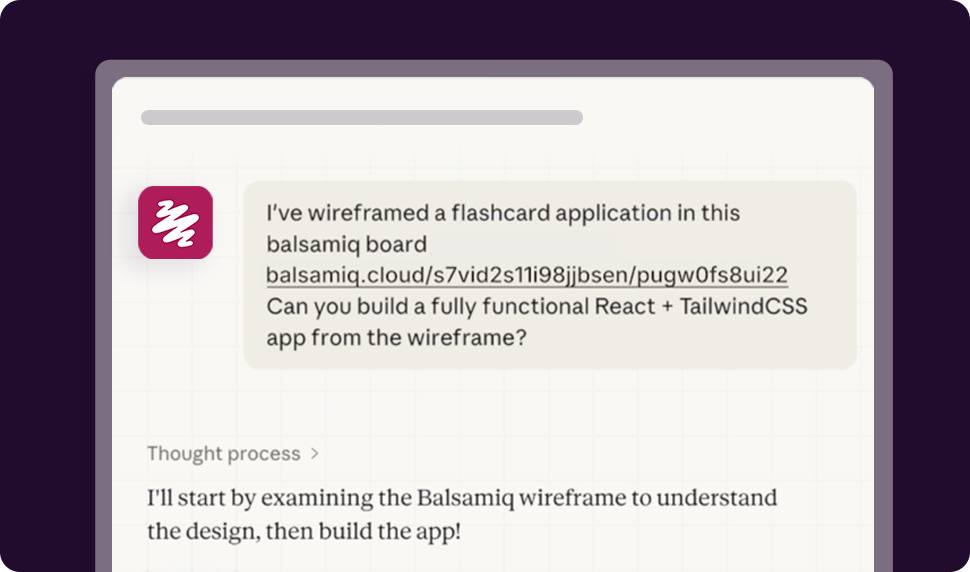
FAQs
Do I need design experience to use Balsamiq?
No. If you can describe an idea or sketch one on a napkin, you can wireframe in Balsamiq. Balsamiq AI, the component library, and Balsamiq Academy do the rest.
Can I wireframe an entire product, not just a feature?
Yes. Teams use Balsamiq for everything from a single screen to entire apps, internal tools, MVPs, and process maps. Anything that needs clarity moves faster once it's wireframed.
How does this fit with our existing tools?
Balsamiq embeds in Jira and Confluence, shares to Slack, links from Notion and Asana, and exports to PNG and PDF. You don't have to change how your team works to add wireframing in.
How does Balsamiq AI fit into the wireframing flow?
It expedites the parts that used to slow you down. Describe a screen and Balsamiq AI drafts it. Drop in a screenshot and it converts the layout. Select an element and prompt it to make changes. You're still driving every decision. AI just removes the busywork between idea and editable wireframe.
What happens after the wireframe is approved?
Whatever your workflow needs. Most teams generate an interactive prototype from the same board to validate with users or stakeholders. Others hand the wireframe straight to engineering through Jira, Confluence, Slack, or the MCP server. Same source file, no rebuilding.
How is Balsamiq different from Figma, Miro, or Excalidraw?
Figma is for polished UI. Miro is a blank canvas. Excalidraw is for napkin sketches. Balsamiq is built for the part of the process where you're still figuring out what to build, with AI tuned for fast iteration instead of finished output.