Drawing basic UI elements
The left bar allows you to "draw" commonly-used UI elements directly on the board. Just press their related letter key and add them to your board.
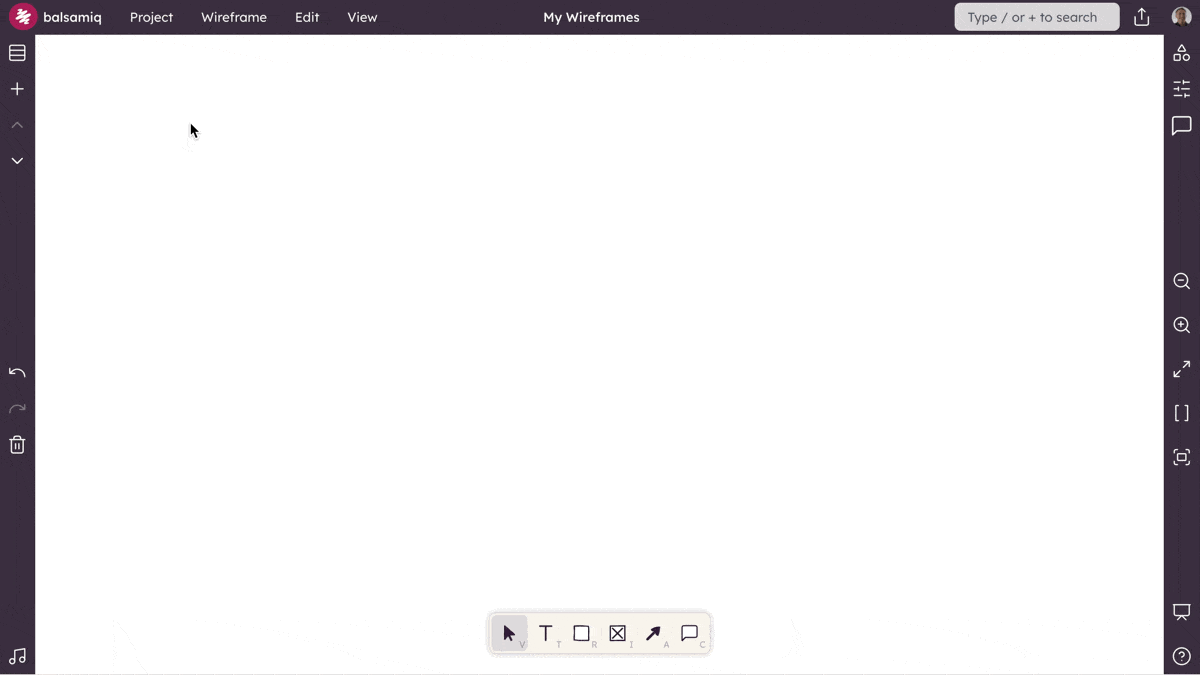
- Text (T) - Add a Text Paragraph element to the board.
- Rectangle Shape (R) - Add a Shape element to the board. The default is a Rectangle but you can change the shape in the property inspector.
- Image (I) - Add an Image element to the board. The default is a placeholder but you can add your own images in the property inspector.
- Arrow (A) - Add an Arrow element to the board. Remove the arrow heads in the property inspector to get a simple line.
After you've added these elements, you can convert them to other elements by using the transform menu.