Project alternates
In some cases you might want to propose a set of alternate designs across several boards. This might happen if you are reviewing someone else's boards and want them to see your proposed design changes throughout the project.
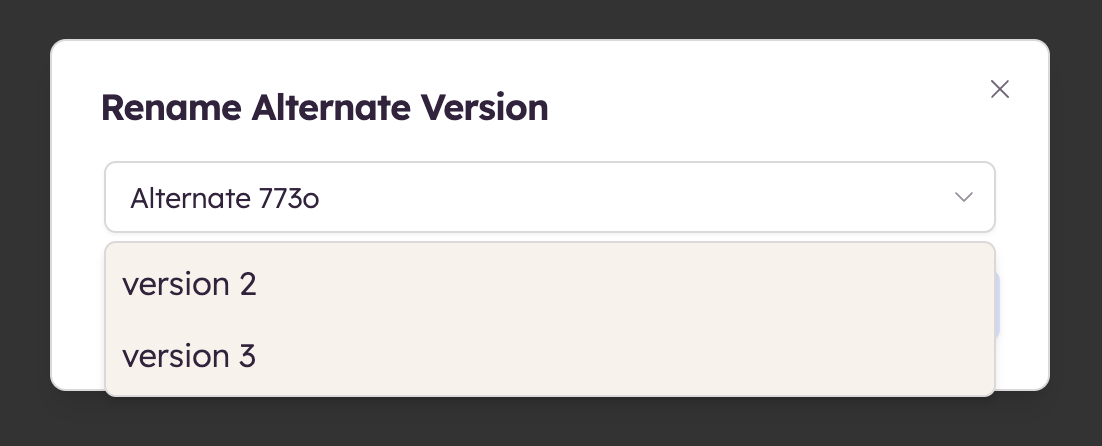
When you rename an alternate, you can choose from a list of existing alternate names in the rename dialog. Selecting another alternate's name groups this alternate with the others of the same name.
In the boards panel, next to the word Boards, a menu displays the names of all alternates that appear in your project.
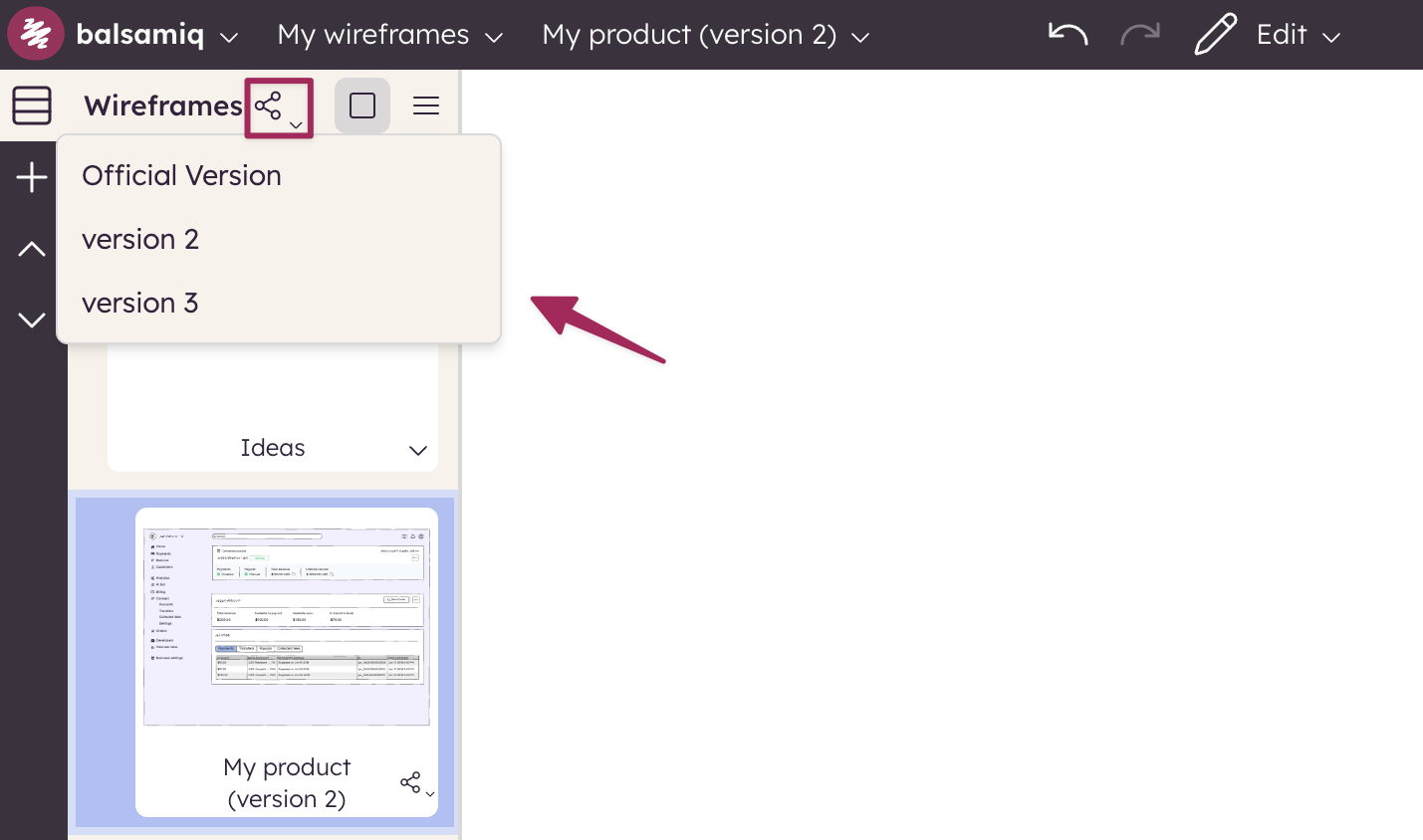
Selecting an alternate from this list will select that alternate in all the boards that have an alternate with that name.
This is conceptually similar to creating a branch in a codebase, except that it only applies to boards that have specific alternate version names.
So, for example, if you create a series of alternates called "Leon's Proposal" and use the context menu displayed above to select that name, any board with an alternate called "Leon's Proposal" would switch views to that alternate version.
Note: Boards without an alternate with that name would not be updated. Promoting, merging, and discarding actions are not available across multiple boards at once.