Editing alternates
Once you have created an alternate version you can edit it just like any other board, including adding assets and components. Changes that you make will not affect the original board (known as the Official Version). You can also add notes in the notes panel for the alternate to describe your thoughts on it, or communicate to others about it.
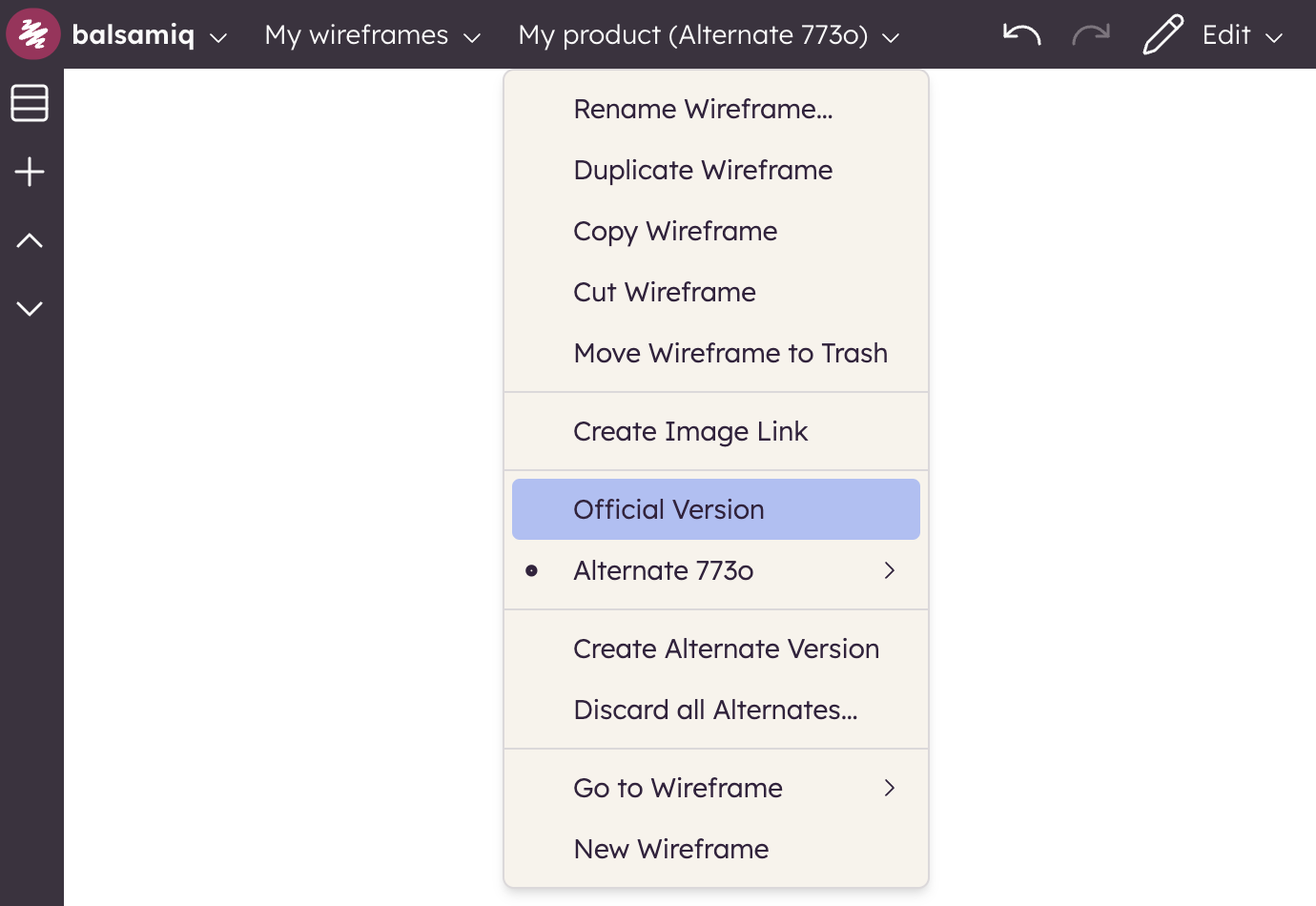
To switch between alternate versions of a board, select the name of a version from the Board menu (or from the context menu in the boards panel). You can also switch back to the Official Version by selecting it in the list.