Duplicating alternates
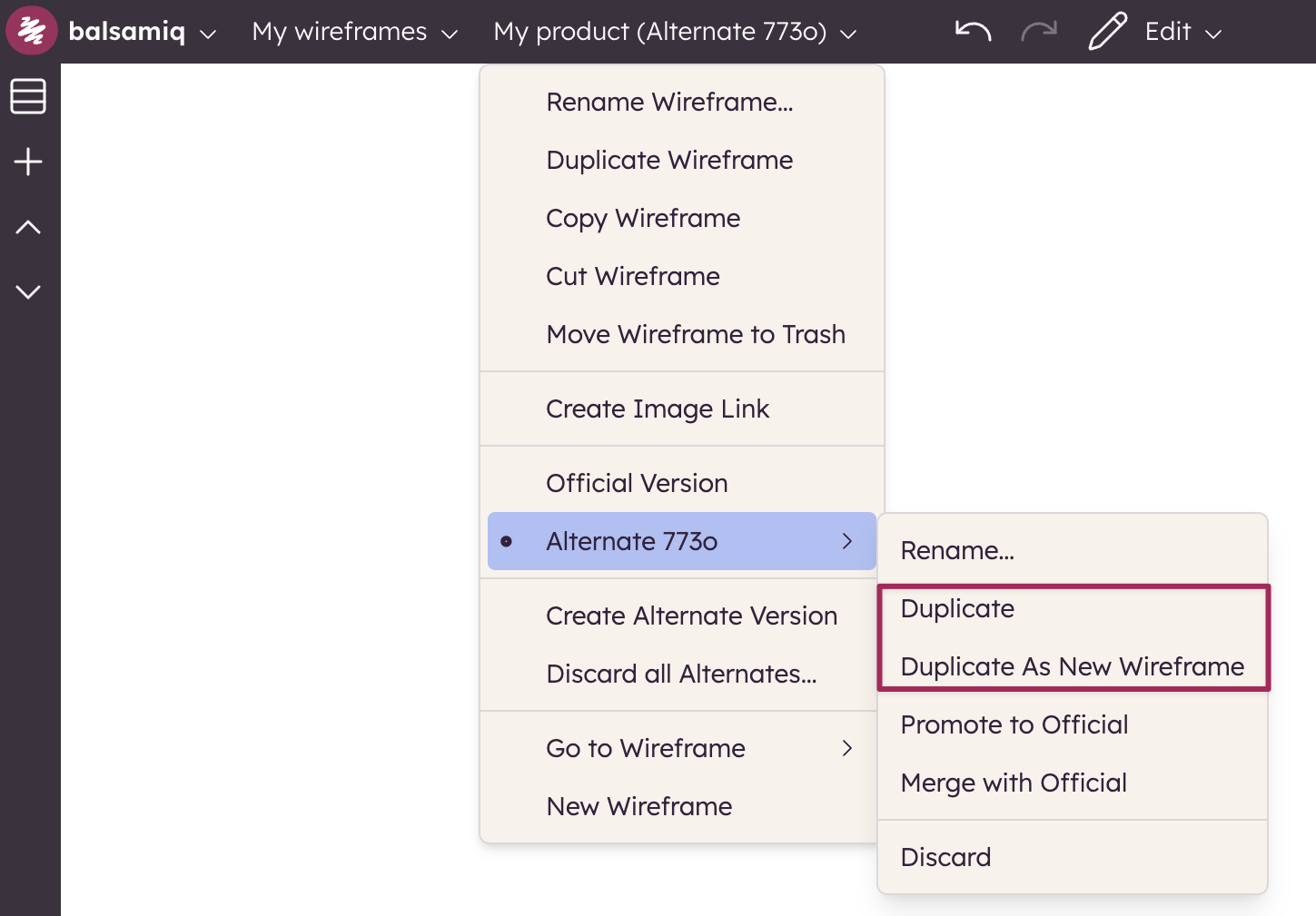
You can also duplicate alternates from the Board menu or from the context menu in the boards panel. Doing this will create a new, randomly named alternate that is an exact copy of the alternate you chose to duplicate.
Sometimes, however, an alternate grows into a board all its own. If you would like to create a whole new board based on an alternate, you can choose the "Duplicate as new board" option.
The new board will be named using the Name of the alternate and then the Name of the original board. So if you had an alternate named "Rotated Header", in your "Homepage" board, the board created from the alternate would be named "Rotated Header Homepage".