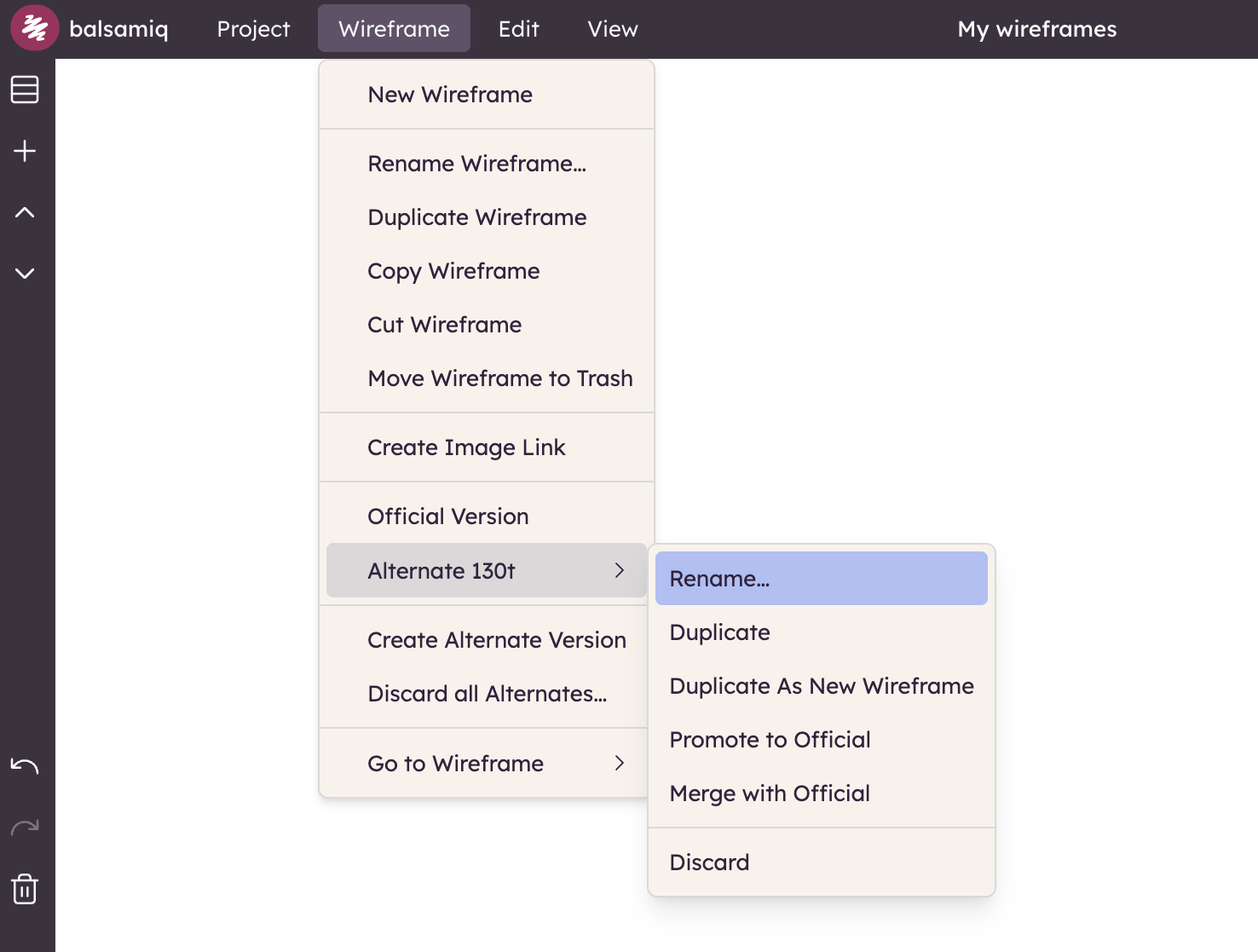
Creating alternates
You can create an alternate version of your current board from the Board menu in the Top Bar or from the context menu in the Boards panel.
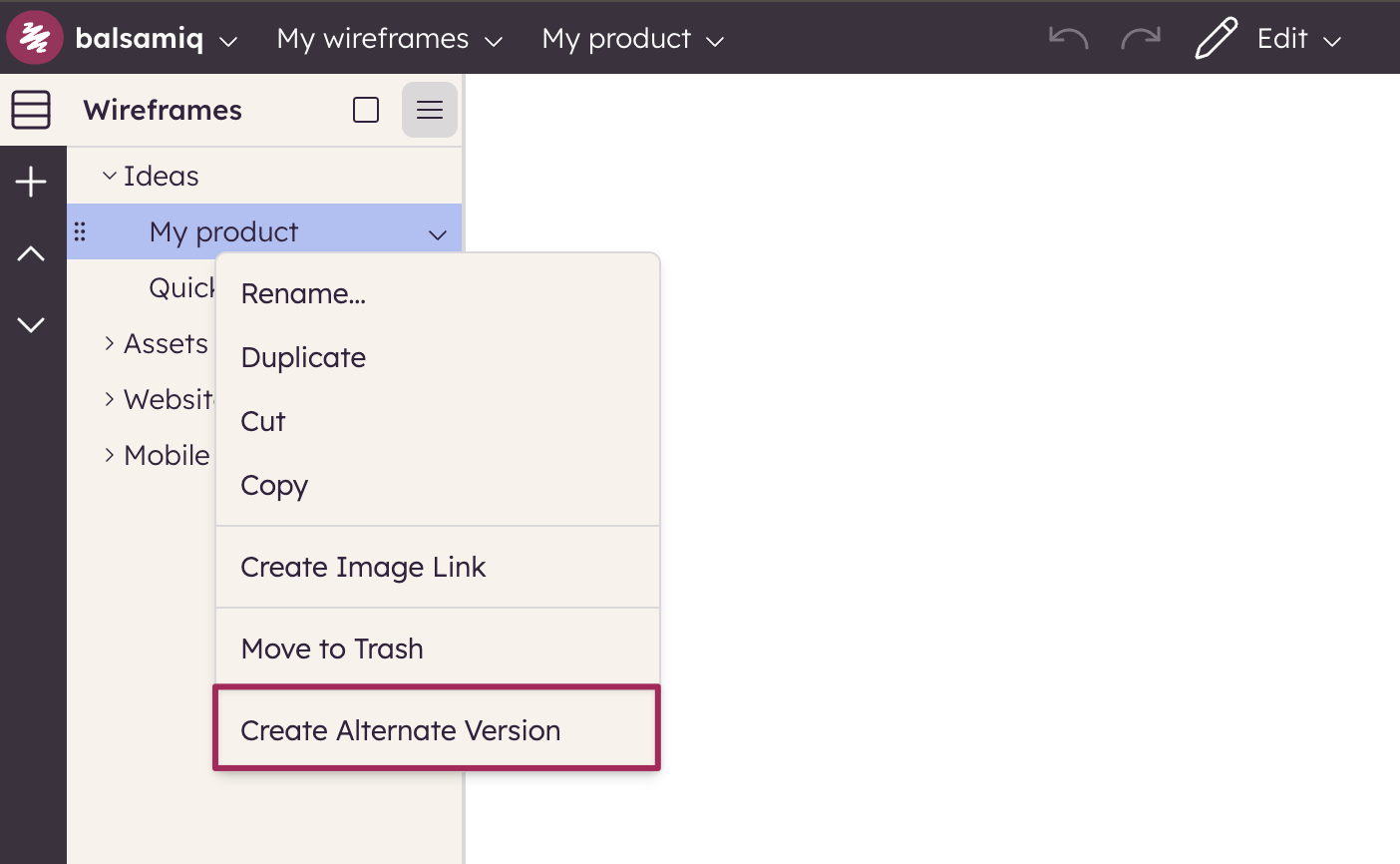
This will create a copy of the current board as an alternate version for you to modify. By default, it will automatically be named with the word "Alternate" followed by some random numbers and letters to ensure that the name is unique.
Note: You can create an alternate of an alternate by having the alternate selected (active).
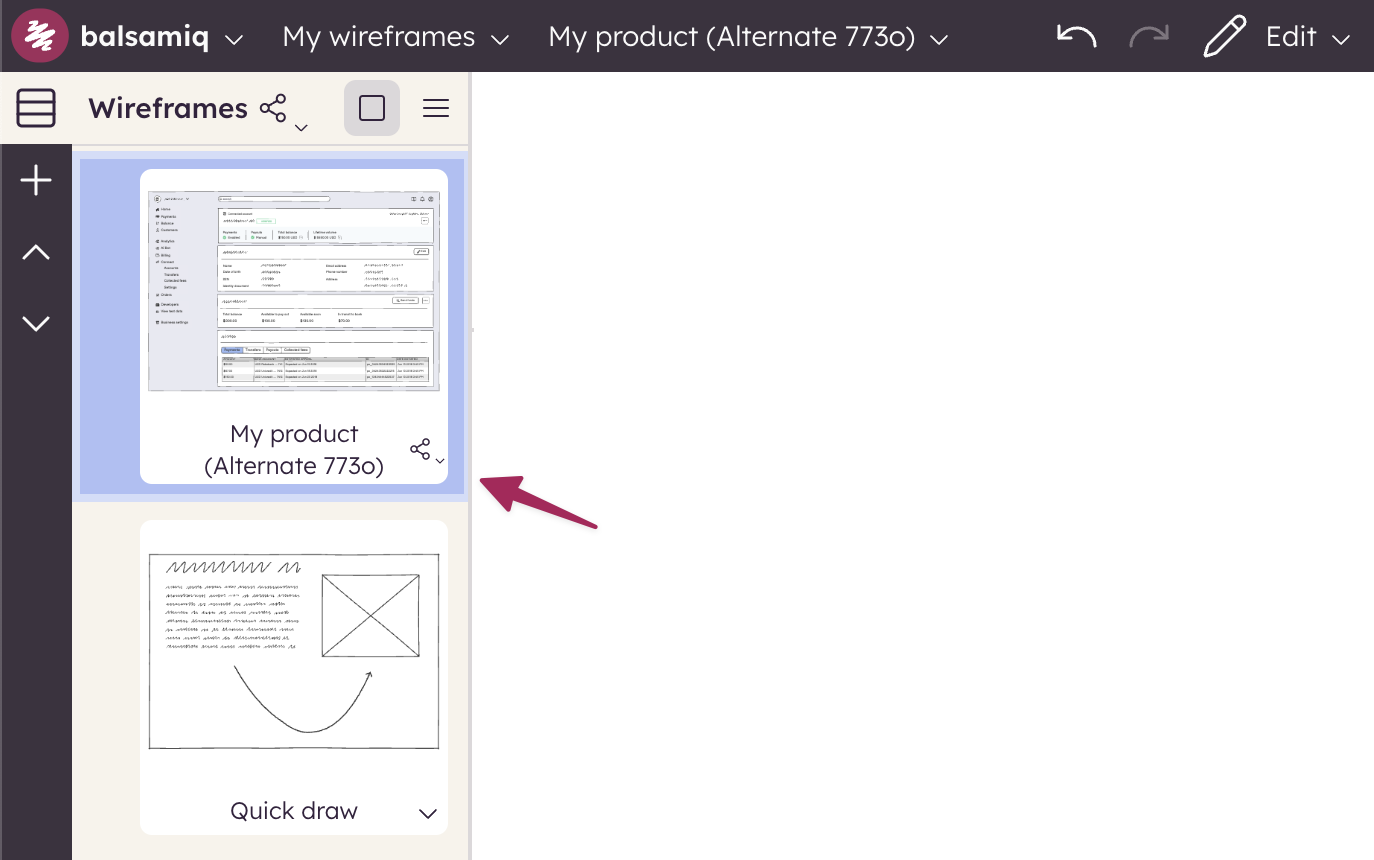
When an alternate exists, an icon will appear next to the name in the Boards panel indicating that there are alternates. When you are working on an alternate version, the Boards panel will display the alternate name in parentheses.
To rename the alternate, open the Board Menu and select the dedicated option.