Excalidraw has earned cult status as the digital napkin sketcher—fast, free, and charmingly rough. It’s hard to beat when you just need to explain an idea, sketch a flow, or think out loud with your team.
But what happens when the napkin runs out of space? Once you move from rough sketches to real product flows, Excalidraw can suddenly start to feel limiting.
As projects grow, managing complex product work on an infinite canvas becomes difficult. There’s no real system for organizing multiple screens, no standardized UI components to reuse across flows, and limited controls for larger design systems. If you’ve hit those limits, it may be time to explore other options.
We’ve curated the best Excalidraw alternatives that preserve the speed of sketching while adding the structure of professional product tools. For each one, we’ll look at:
- What it’s best for
- Standout features
- Pricing
- Why it might be a better fit for you than Excalidraw
A closer look at Excalidraw
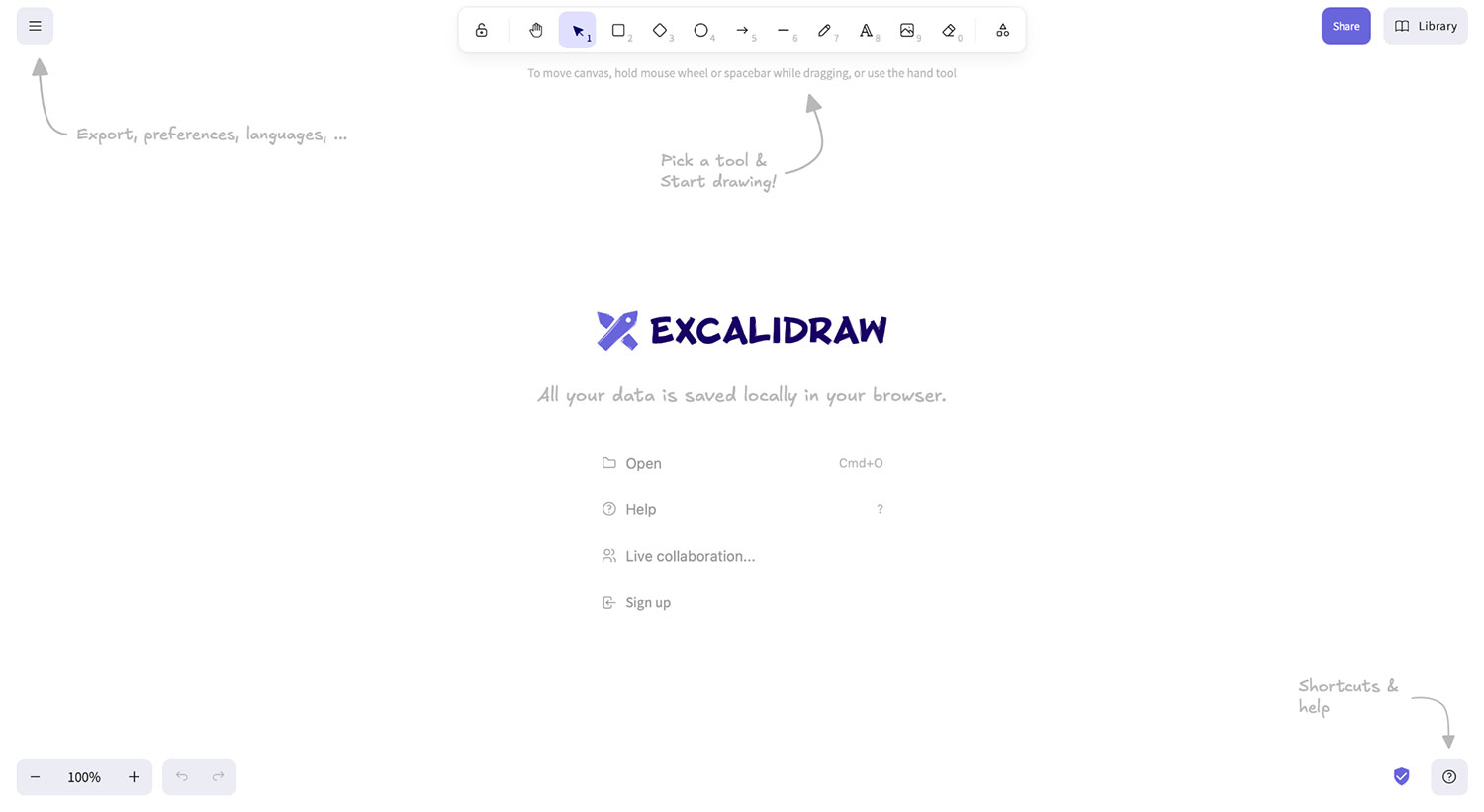
Excalidraw is a browser-based virtual whiteboard with a deliberately hand-drawn feel. It’s especially popular with developers and product teams who need to sketch diagrams, explain ideas quickly, or collaborate without the overhead of a full design tool.
Why people love Excalidraw
A big reason users gravitate toward Excalidraw is that it feels simple in the best way. It’s the kind of tool you can pull up mid-conversation to explain an idea, without needing to prepare or set anything up in advance. That ease makes it especially popular for quick collaboration.
People tend to point to the same reasons when describing why they like it:
- Zero friction: Getting started is fast, with minimal barriers like signups or setup. That makes it easy to focus on the idea instead of the tool.
- Approachable aesthetics: The hand-drawn look keeps things informal and unintimidating. It encourages participation from teammates who might not be comfortable with traditional design tools.
- Open source: Being open source is another bonus among developers and technical stakeholders, since the codebase is transparent and easy to evaluate.
Why people switch from Excalidraw
For many teams, Excalidraw works well up to a point. As work moves beyond a single idea or diagram, several limitations begin to show:
- "Infinite canvas" chaos: Great for one idea, not ideal for a 50-screen app flow. As everything lives on a single board, screens sprawl quickly, making it hard to track hierarchy, sequence, or ownership.
- Drawing vs. building: You have to "draw" a button (rectangle + text) every time, rather than dragging in a pre-made "Button" component.
- Lack of structure: No easy way to link screens or create clickable prototypes. Without built-in navigation or flows, it’s hard to walk stakeholders through how a product actually works.
Excalidraw alternatives comparison table
| Tool | Best for | Standout feature | Price model |
|---|---|---|---|
| Balsamiq | Structured wireframing & product thinking | "Smart" hand-drawn components (drag & drop) | Project-based |
| Miro | General brainstorming & workshops | Massive template library & ecosystem | User-based |
| Lucidchart | Technical & system architecture | Data-linking & automation | Freemium/user |
| FigJam | Design-led teams | Seamless integration with Figma | User-based |
| Sketch | Mac-based high-fidelity design | Native Mac app & vector tools | User/license |
Top 5 Excalidraw alternatives, ranked
1. Balsamiq: Best Excalidraw alternative for structured wireframing & product thinking
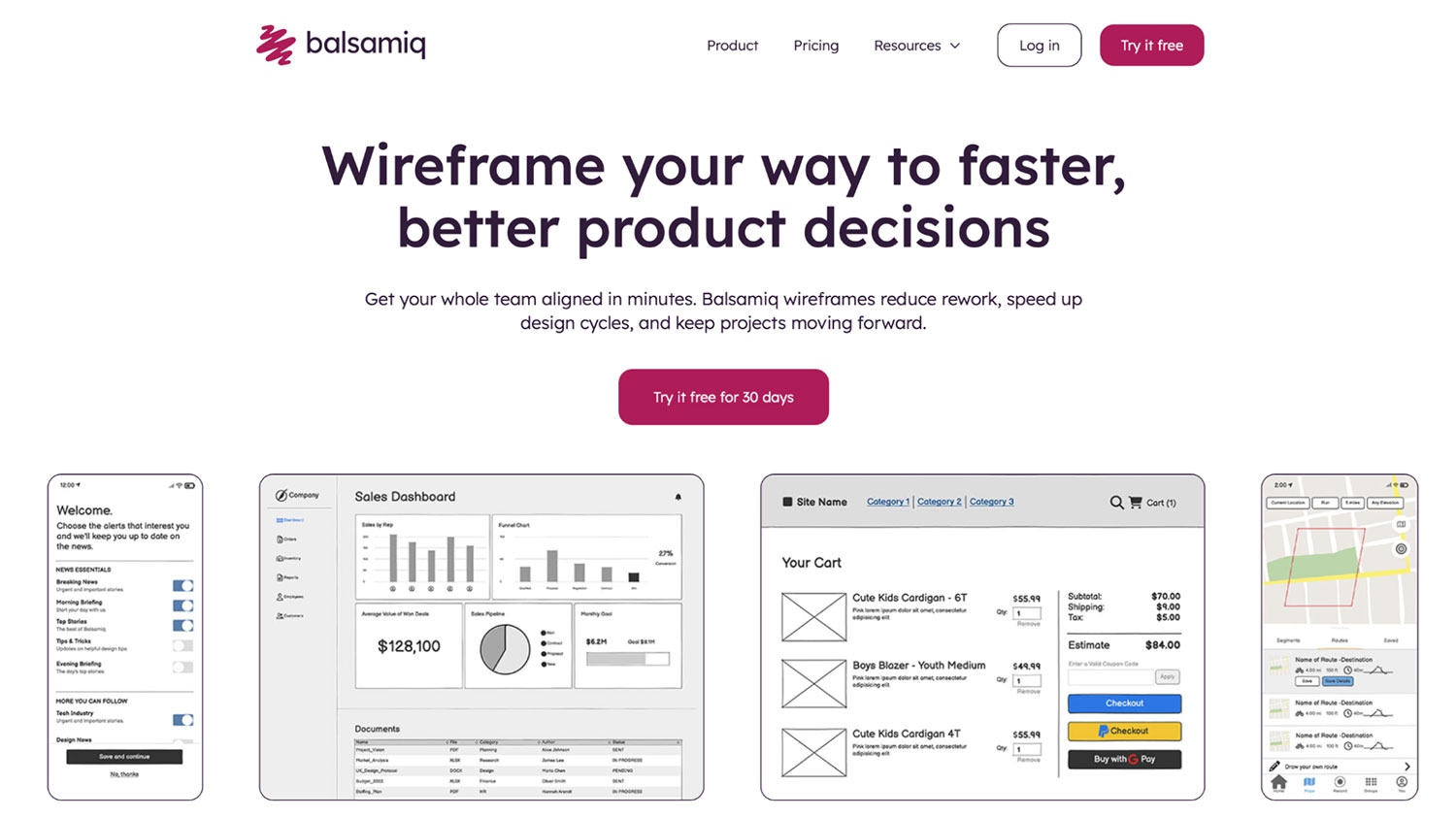
Balsamiq takes the low-fidelity, hand-drawn aesthetic that Excalidraw users love and adds structure and intelligence to it. Instead of sketching everything from scratch, you work with pre-built UI components that behave like real interface elements. This shift from drawing shapes to assembling interfaces makes Balsamiq especially useful once ideas need to turn into concrete product decisions.
Where Excalidraw excels at freeform sketching, Balsamiq is built to support screens, flows, and interactions in a more deliberate way. That built-in structure helps teams move faster, stay aligned, and reduce rework.
Core features:
- Rapid low-fidelity wireframing with drag-and-drop UI components for web, mobile, and desktop apps
- Pre-built UI libraries and reusable components for speed and consistency
- Interactive click-through prototypes with linked screens to show user flows
- Balsamiq AI—a conversational wireframing assistant
- Real-time co-editing with comments and reactions
- Export and sharing via live link, PDF, or PNG
- Integrations with Confluence, Jira, Trello, and Slack to fit within your existing workflows
Pros and cons:
| Pros ✅ | Cons ❌ |
|---|---|
| Purpose-built for wireframing and early product thinking | Not intended for high-fidelity UI design |
| Excellent for stakeholder communication—easy to share, comment, and get feedback on flows | |
| Zero-to-low learning curve | |
| Priced per project, not per seat |
Balsamiq pricing
Balsamiq uses project-based pricing, not per-seat pricing. Plans start at $12/month (or $144 billed annually) for up to two projects, with unlimited users and unlimited wireframes. Includes a 14-day free trial. Discounted or free plans are also available for educators, students, and nonprofits.
2. Miro: Best Excalidraw alternative for general brainstorming
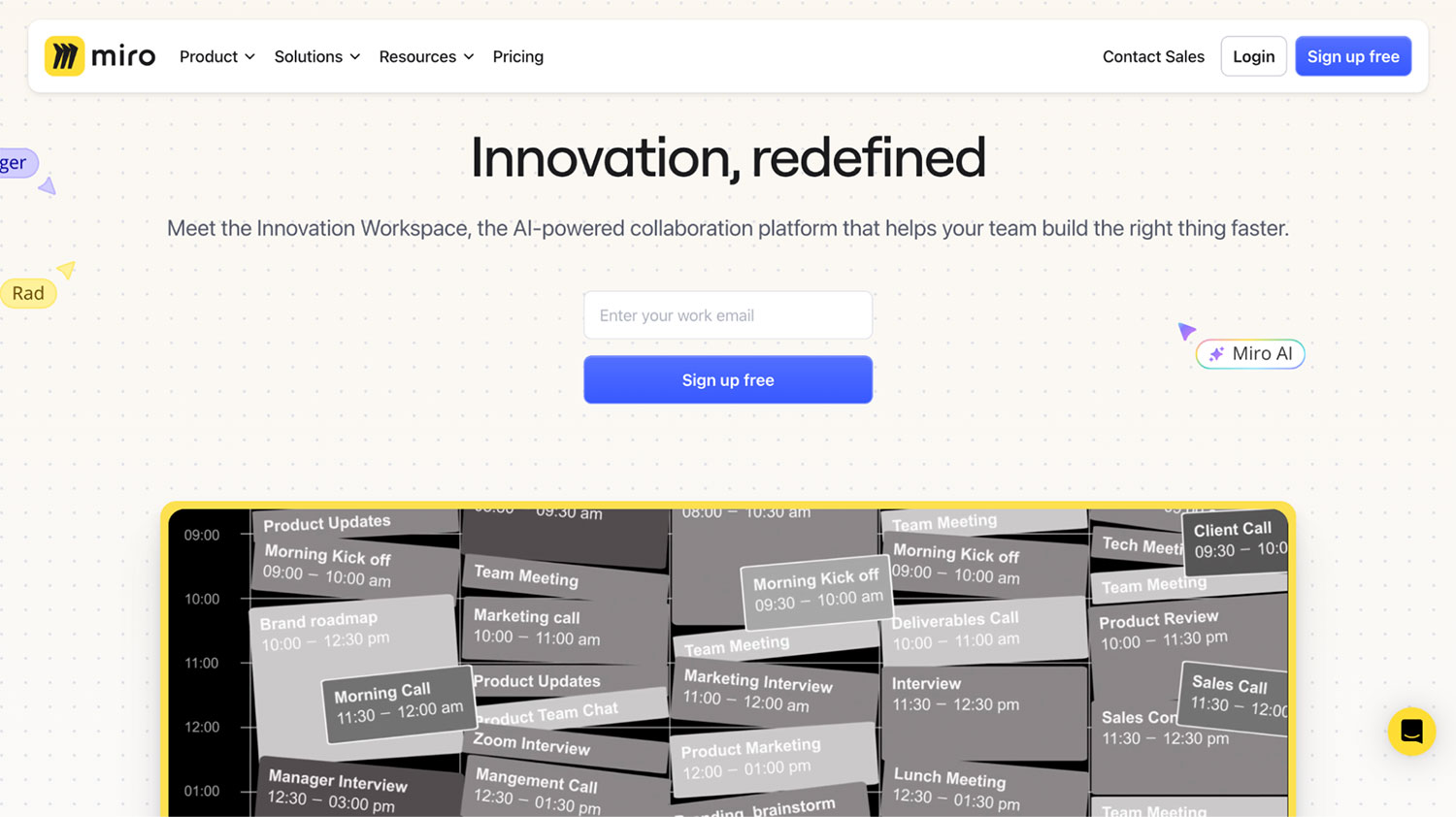
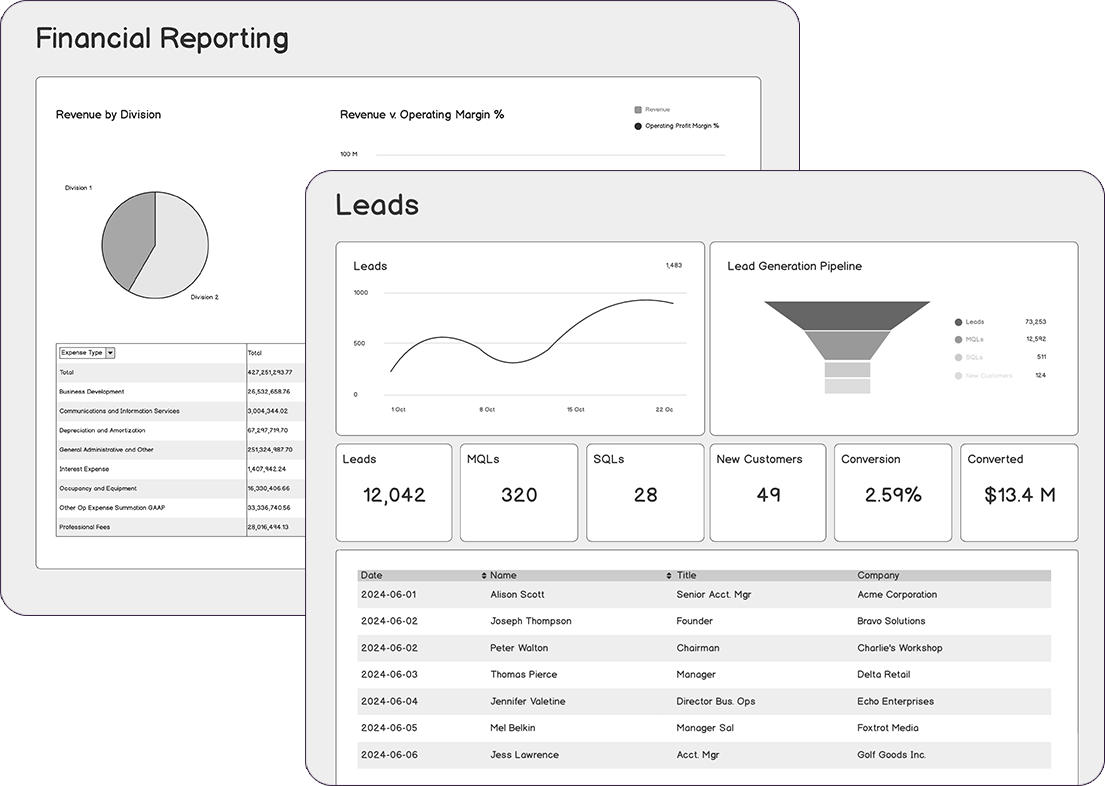
Miro is a good fit for teams that like Excalidraw’s open canvas but need stronger collaboration and facilitation features. It takes the idea of a shared whiteboard and expands it for group work, planning sessions, and cross-functional collaboration.
Core features:
- Built-in facilitation tools like voting, timers, estimation, and private mode for structured workshops
- Interactive presentation mode for walking groups through boards during meetings
- Structured formats like Docs, Tables, Timelines, and Slides, alongside the canvas
Pros and cons:
| Pros ✅ | Cons ❌ |
|---|---|
| Useful for large collaborative sessions | Less focused on UI or product structure |
| Well-suited for workshops and planning | Per-user pricing adds up for big teams |
| Good visibility when many people contribute ideas at once |
Miro pricing
Miro uses per-user pricing. The Free plan supports unlimited members but limits teams to three editable boards. Paid plans start at $8 per user per month.
3. Lucidchart: Best Excalidraw alternative for system architecture
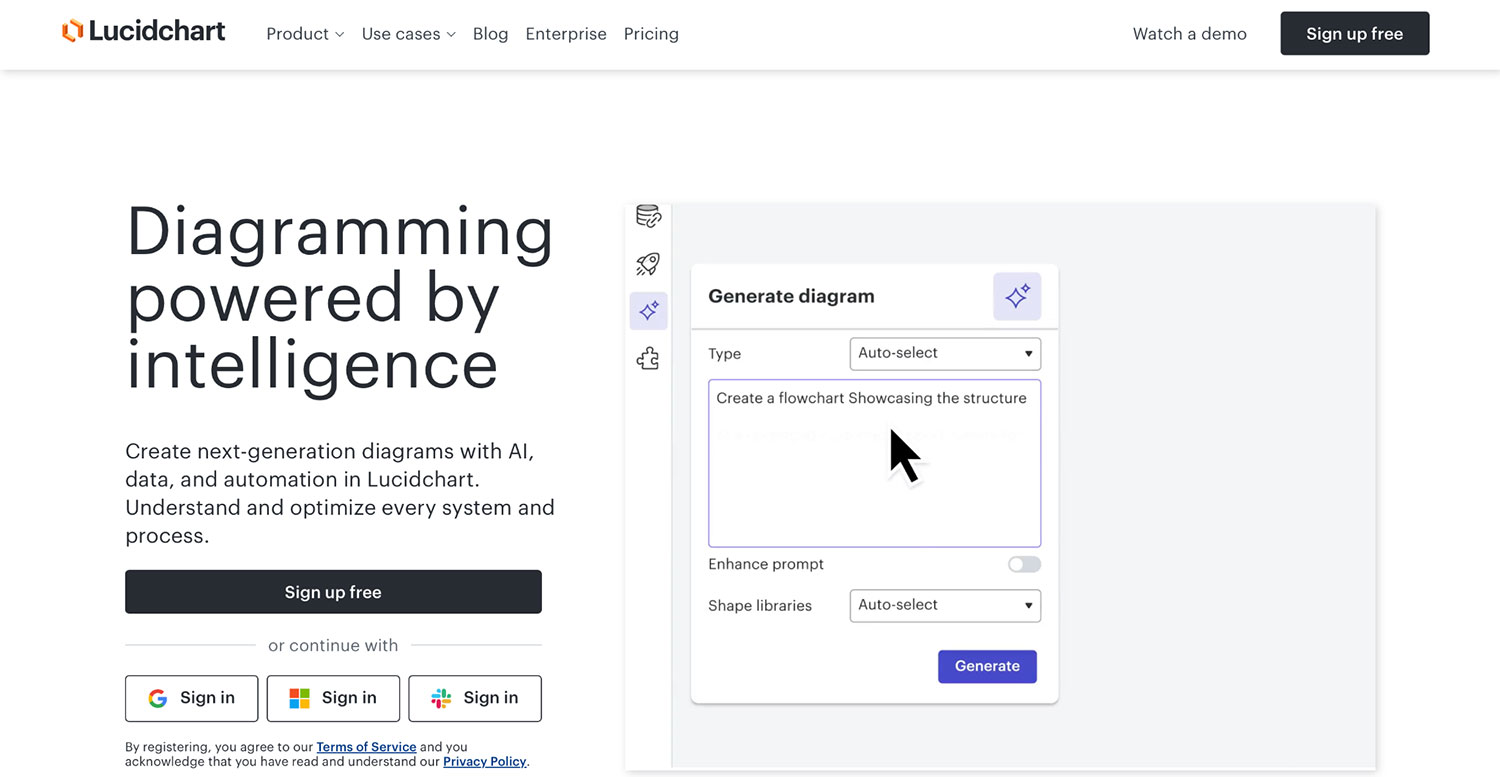
If you’re looking for an Excalidraw alternative built for professional system documentation, Lucidchart is a strong option. It’s designed for engineers and technical teams who need precision, standardized diagrams, and clear representations of complex systems. Unlike Excalidraw, which is built for quick, informal sketches, Lucidchart focuses on accuracy, structure, and diagrams that scale with real-world architectures.
Core features:
- AI-generated diagrams, data imports, and text prompts to accelerate technical documentation
- Advanced shape libraries including AWS, Azure, UML, ER diagrams, and database schemas
- Data linking and conditional formatting to keep diagrams accurate and connected to live information
Pros and cons:
| Pros ✅ | Cons ❌ |
|---|---|
| Ideal for engineers and technical teams documenting real systems | Higher learning curve than Excalidraw |
| Strong support for standardized, repeatable diagrams | Overkill for early-stage ideation |
| Reliable for diagrams that need long-term maintenance |
Lucidchart pricing
Lucidchart offers a Free plan with three editable documents and limited shapes per document. Entry-level plan starts at $9 per user per month, unlocking unlimited documents and premium shape libraries.
4. FigJam: Best Excalidraw alternative for design-led teams
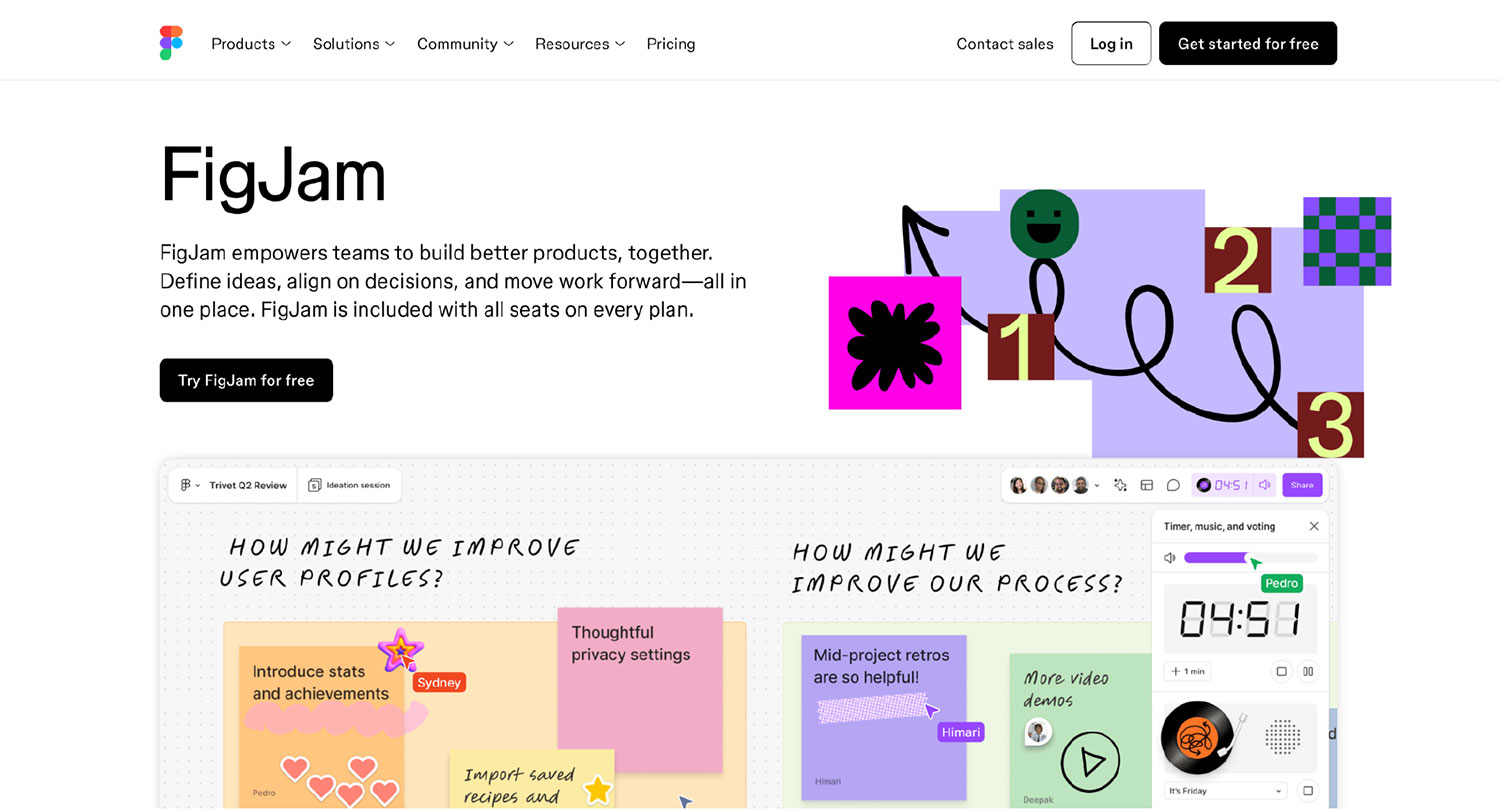
If your sketches eventually need to turn into high-fidelity UI in Figma, FigJam is a natural Excalidraw alternative. It keeps the loose, playful feel of a whiteboard while staying tightly connected to the Figma ecosystem. Compared to Excalidraw, FigJam is less about quick explanations and more about smoothing the path from early ideas to polished design work.
Core features:
- Playful collaboration tools like stamps, emotes, reactions, and cursors for real-time feedback
- Seamless handoff between FigJam boards and Figma design files for faster design workflows
- AI-powered tools to cluster ideas, summarize boards, and generate templates
Pros and cons:
| Pros ✅ | Cons ❌ |
|---|---|
| Ideal for teams already using Figma | Less useful outside the Figma ecosystem |
| Good support for async collaboration with comments and reactions | |
| Works well for early discovery, ideation, and feedback sessions |
FigJam pricing
FigJam has a free plan for individuals and small projects. Paid plans start at $3 per user per month.
5. Sketch: Best Excalidraw alternative for Mac-based high-fidelity design
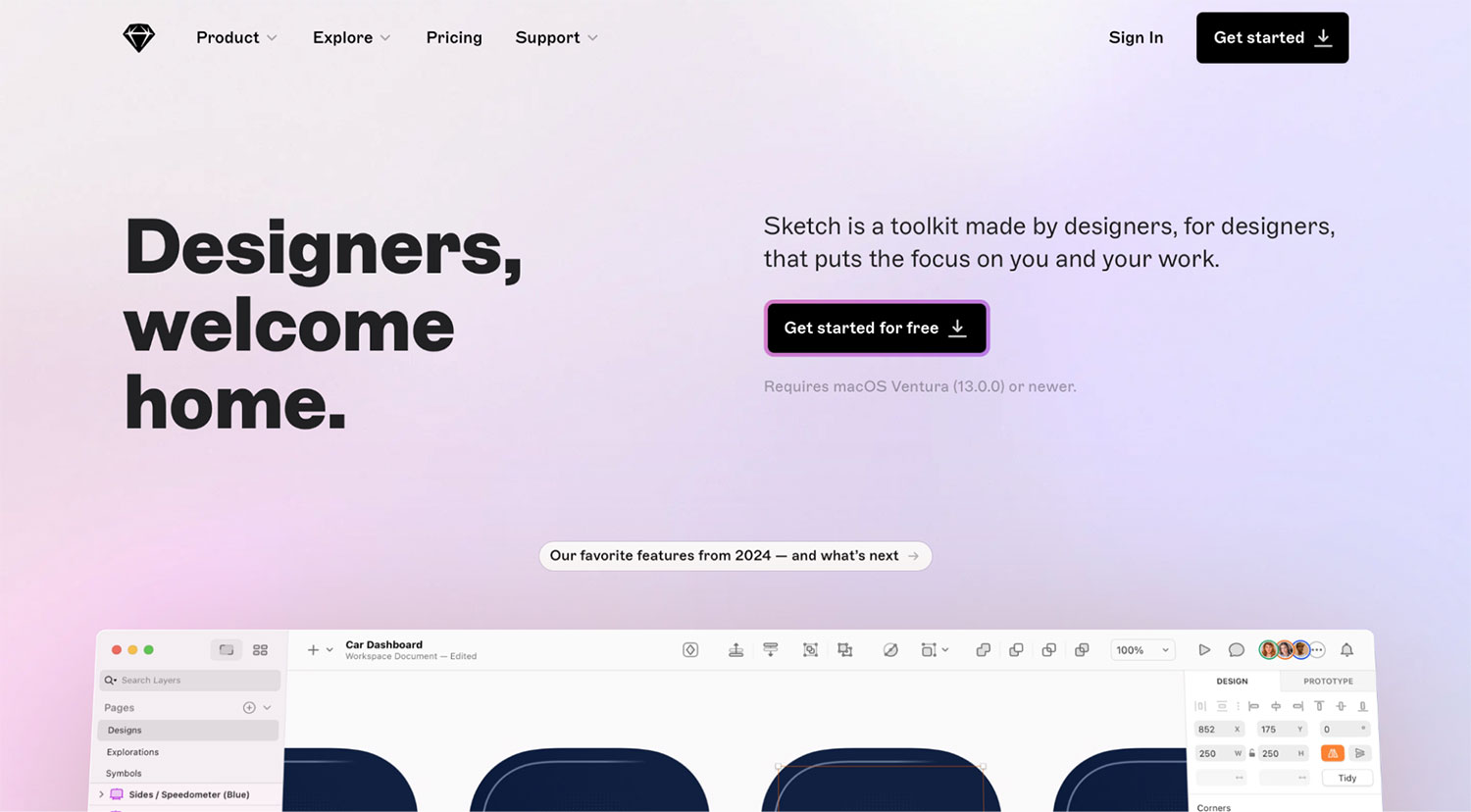
Sketch is a powerful, native Mac application built for precise interface design. It’s designed for designers who want full control over vectors, components, and design systems as their work moves beyond rough sketches. Compared to Excalidraw’s lightweight, browser-based approach, Sketch is better suited for polished UI work and long-term design ownership.
Core features:
- Powerful vector editing tools for designing detailed interfaces, icons, and layouts
- Reusable symbols and shared component libraries for maintaining consistent design systems
- Built-in prototyping with transitions, overlays, and interactive gestures
Pros and cons:
| Pros ✅ | Cons ❌ |
|---|---|
| Excellent control for high-fidelity UI and visual design | Mac-only, which limits cross-platform teams |
| Native macOS app with strong performance and offline support | Not designed for low-fidelity wireframing or product logic |
| Well-suited for designers working solo or in small teams |
Sketch pricing
Paid subscriptions start at $12 per editor per month (billed annually) for individuals and small teams. There’s also an option to purchase a one-time Mac-only license for designers who prefer to work locally.
Take your pick
Excalidraw is hard to beat for a quick sketch. But when that sketch needs to turn into a product plan, a user flow, or a prototype, a more specialized tool makes all the difference.
If you love the hand-drawn feel but need to build real product interfaces, Balsamiq stands out as the only option that preserves low fidelity while adding the structure of professional wireframing.
FAQs
Is Excalidraw good for wireframing mobile apps?
Excalidraw works well for individual screens or early ideas, especially when you just need to sketch quickly. However, it tends to struggle with full mobile apps. Because it relies on an unstructured infinite canvas, managing 20 or more screens, flows, and variations can get messy fast. Tools like Balsamiq handle app wireframing better by using a clear project and screen hierarchy, making it easier to organize multi-screen apps while keeping the same hand-drawn look.
How do I convert my Excalidraw sketch to code?
Excalidraw offers experimental AI features that attempt to interpret sketches, but results can vary, especially with complex or messy drawings. A more reliable approach is to first convert your sketch into a structured wireframe. For example, you can take a screenshot of your Excalidraw sketch and use Balsamiq AI to turn it into an editable wireframe made of real UI components. This gives you a clear, standardized blueprint to build from, rather than just a drawing.
Does Excalidraw have pre-made UI components?
Not in the traditional sense. Excalidraw provides basic shapes like rectangles, lines, and text, but these don’t behave like real UI components. If you resize or reuse them, layouts often break, and consistency is hard to maintain.
However, if you use a wireframing tool like Balsamiq, you get access to hundreds of “smart” UI components, such as buttons, tabs, and inputs, that automatically handle resizing and layout. This makes it much faster to wireframe realistic interfaces without manually redrawing everything, while still keeping a low-fidelity, hand-drawn look.